Last Updated: August 2026
Have you recently noticed a grey tick on Instagram next to your profile name? If you’re wondering what it means, whether it is a verification badge, or how to remove it, you’re not alone.
The Instagram grey tick has recently attracted attention from users who are seeing a grey checkmark on their profiles. This has also led to questions about Instagram verification, Meta Verified, Instagram reach and the blue tick.
The important thing to know is that the grey tick should not be confused with Instagram’s blue verified badge.
In this guide, we’ll explain what the Instagram grey tick means, why it may appear, whether it affects your reach, whether you can remove it, and how it differs from the blue verification badge.
Important: Meta has not currently published a dedicated official explanation or removal method specifically for the newly reported grey tick. Therefore, information about its exact purpose should be treated carefully.
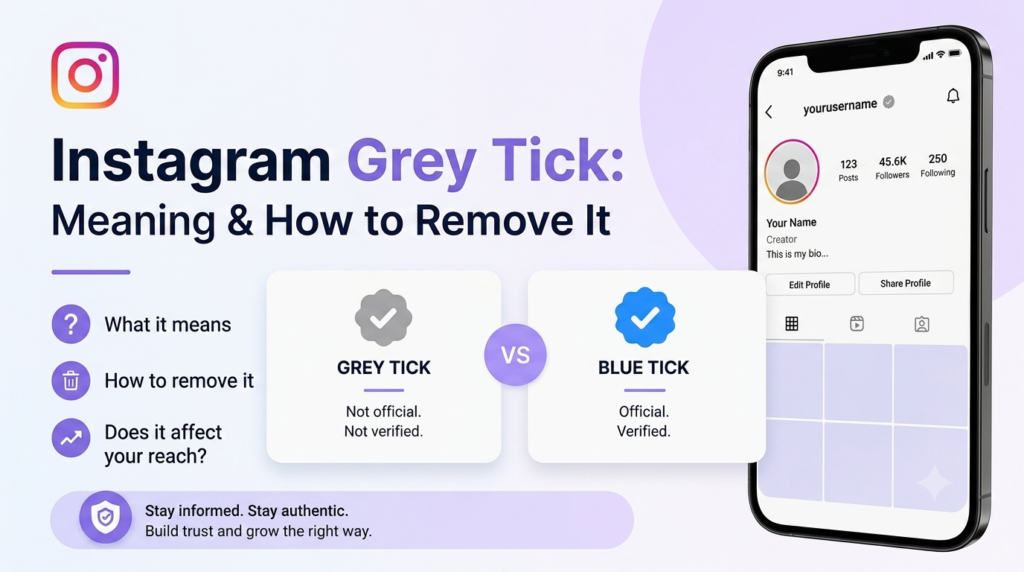
What Is the Grey Tick on Instagram?
The Instagram grey tick is a grey checkmark that some users have recently reported seeing next to their Instagram profile name.
Instagram users are normally familiar with the blue verification badge, so the appearance of a grey checkmark has caused confusion.
Current reports suggest that the grey tick may be connected to a newer Instagram experience related to Meta Verified. However, Meta has not published a dedicated official page explaining the grey tick itself.
So, the safest way to understand it is:
The grey tick is not the same as Instagram’s official blue verified badge.
If you see a grey tick on your profile, it does not automatically mean that your account has been officially verified.
Instagram Grey Tick Meaning
So, what does the Instagram grey tick actually mean?
At the moment, there isn’t enough official information from Meta to give the grey tick a definitive meaning.
Some users have reported that interacting with the grey tick can lead to information about Meta Verified or related subscription options.
However, this does not mean that every grey tick should be considered a verification badge.
It’s useful to separate the information into three categories:
Confirmed: Meta Verified is an official paid subscription from Meta that can provide eligible users with a verified badge and other benefits.
Reported: Some users have reported seeing a grey tick associated with Meta Verified-related experiences.
Unconfirmed: Claims that the grey tick means an account is shadowbanned, restricted or deliberately receiving lower reach.
This distinction is important because Instagram features can change as Meta tests and rolls out new account experiences.
Why Did a Grey Tick Appear on My Instagram Profile?

If a grey tick suddenly appeared on your Instagram profile, it does not necessarily mean that something is wrong with your account.
Instagram regularly changes its interface and rolls out features to different users at different times.
The grey tick may be related to a newer account experience or Meta Verified-related prompt.
If you’re concerned about your account, don’t judge its status based only on the grey tick.
Instead, check:
- Instagram Account Status
- Instagram Insights
- Recent notifications
- Recommendation eligibility
- Any messages from Instagram
A grey tick by itself is not proof that your account has been restricted.
Is the Grey Tick an Instagram Verification Badge?
No. The grey tick should not be treated as the official Instagram verification badge.
The familiar blue verified badge is the indicator associated with Instagram verification.
Meta explains that verified badges indicate that an account has been verified under Meta’s applicable verification process.
Meta Verified is also an official way for eligible creators and businesses to receive a verified badge.
The newly reported grey tick is different.
Therefore, if you see a grey tick:
Don’t assume that your Instagram account is officially verified.
Does the Instagram Grey Tick Affect Reach or Views?
One of the biggest concerns about the grey tick is whether it affects Instagram reach, Reel views or engagement.
Some users have reported seeing lower reach after noticing the grey tick. However, there is currently no reliable evidence proving that the grey tick itself causes lower reach.
A decrease in Instagram views can happen for many reasons, including:
- Lower audience retention
- Fewer shares or saves
- Changes in content
- Changes in audience behavior
- Recommendation eligibility
- Posting frequency
- Changes in Instagram’s distribution systems
If your reach has dropped, check your Instagram Insights before assuming that the grey tick is responsible.
Compare your recent Reels with your previous content and look at watch time, shares, saves, profile visits and non-follower reach.
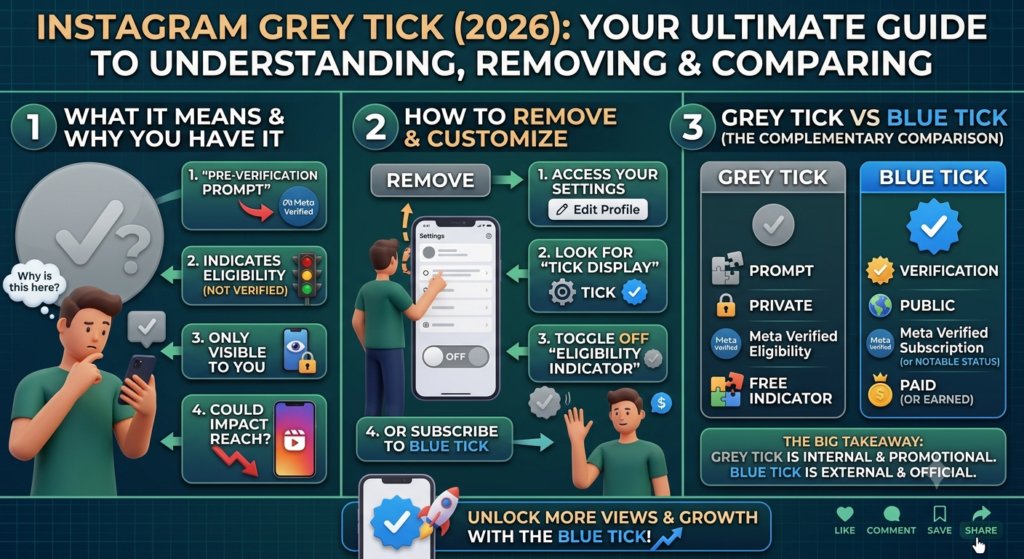
Does the Grey Tick Mean You Are Shadowbanned?
No.
There is currently no reliable evidence that seeing an Instagram grey tick means your account is shadowbanned.
A grey tick and an account restriction are separate issues.
If you’re worried that your content isn’t being recommended, check Account Status in Instagram to see whether there are any issues affecting your account or recommendation eligibility.
Don’t assume that a grey tick means Instagram has restricted your account.
Can You Remove the Grey Tick From Instagram?
If you’re searching for how to remove the grey tick on Instagram, there is currently no officially documented Meta method specifically for removing it.
You may find social media posts or videos recommending different tricks, such as switching between Creator and Business accounts.
However, unless Meta confirms a method, these should be considered unofficial user-reported workarounds, not guaranteed solutions.
So, what should you do?
If the grey tick appears on your account, you don’t necessarily need to take any action.
If you’re interested in Instagram verification, you can learn more about Meta Verified and the blue tick.
If you’re worried about your reach, check your Instagram Insights and Account Status.
And if you’re trying to grow your account, focus on your content, audience retention, Instagram SEO and engagement rather than assuming the grey tick is causing a problem.
Can Instagram remove the grey tick in the future?
Possibly.
Instagram frequently updates its interface and account features. Meta could introduce an official setting or explanation in the future.
For now, however, there is no officially documented Meta method for removing the grey tick.
What Is the Instagram Blue Tick?
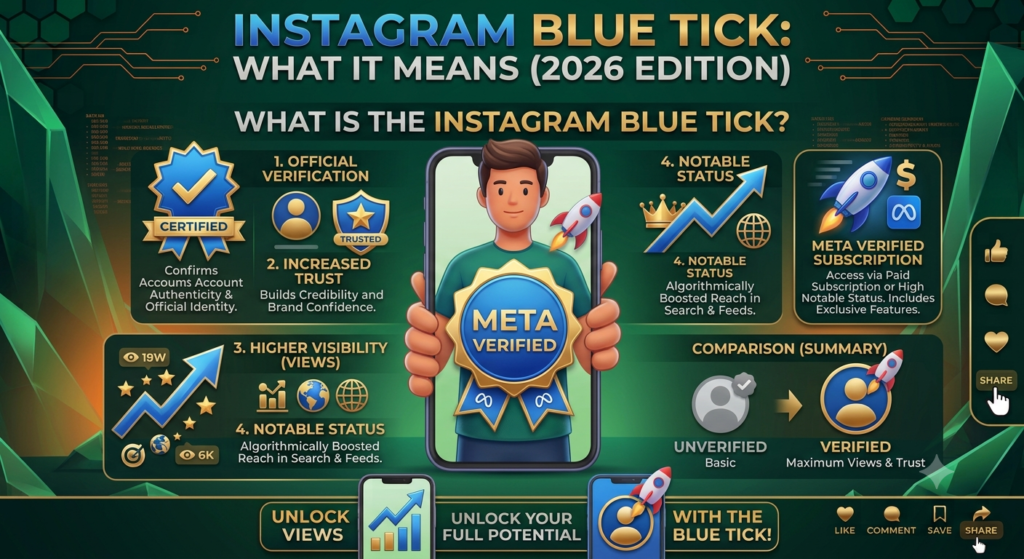
The Instagram blue tick, also called the verified badge, is the familiar blue checkmark displayed next to an eligible account.
Meta explains that the verified badge helps indicate that an account has been verified.
Today, eligible creators can also receive the blue badge through Meta Verified, a paid subscription from Meta.
This makes the blue tick different from the newly reported grey tick.
How to Get the Blue Tick on Instagram
One available route for eligible creators is Meta Verified.
Meta Verified is a paid subscription that can provide eligible creators with:
- A verified badge
- Enhanced account support
- Impersonation protection
- Additional features depending on the subscription and market
Meta expanded Meta Verified to India for creators in 2023.
Eligibility requirements and available features can change, so you should check the current Meta Verified option directly inside Instagram.
You should also avoid anyone who claims they can guarantee Instagram verification through an unofficial service.
Instagram Grey Tick vs Blue Tick
The difference between the two is important.
| Feature | Grey Tick | Blue Tick |
|---|---|---|
| Appearance | Grey checkmark | Blue verified badge |
| Official verification badge | Not established | Yes |
| Meta Verified | Reportedly associated with some Meta Verified-related experiences | Meta Verified includes the verified badge |
| Means account is verified? | No | Yes |
| Guarantees more reach? | No evidence | No |
| Means shadowban? | No evidence | No |
| Official removal method | Not currently documented | Depends on verification status/subscription |

Grey Tick vs Blue Tick: Simple Answer
Grey tick: Do not assume it means your account is officially verified.
Blue tick: Instagram’s official verified badge.
The two should not be treated as the same thing.
What Is Meta Verified on Instagram?
Meta Verified is a paid subscription from Meta for eligible creators and businesses.
For creators, Meta Verified can provide a verified badge along with additional account benefits.
Meta originally introduced Meta Verified in India for creators in 2023.
The service included features such as government-ID authentication, impersonation protection and account support.
Because Meta can change its subscription plans and benefits, always check Instagram for the latest information before subscribing.
Does the Blue Tick Increase Instagram Reach?
Getting the blue tick does not guarantee more followers, views or viral Reels.
A verification badge can provide authentication and other benefits, but it does not replace good content.
Your Instagram performance can still depend on factors such as:
- Watch time
- Audience retention
- Shares
- Saves
- Engagement
- Content relevance
- Recommendation eligibility
So, don’t purchase Meta Verified solely because you expect it to automatically increase your Instagram reach.
What Should You Do If Your Instagram Reach Drops?
If your reach decreases around the same time that a grey tick appears, don’t immediately assume the two are connected.
Instead:
1. Check Account Status
Look for recommendation or policy-related issues.
2. Check Instagram Insights
Compare your recent Reels with your previous posts.
3. Check audience retention
See whether people are watching your videos or leaving quickly.
4. Check non-follower reach
A significant change in non-follower reach can help you understand whether your content is being recommended differently.
5. Review your content
Look at your hooks, topics, editing, captions and overall audience response.
This gives you a much better understanding of your performance than assuming the grey tick is responsible.
Frequently Asked Questions About Instagram Grey Tick
What does the grey tick on Instagram mean?
The grey tick is a newer Instagram indicator that some users have reported seeing in 2026. Current reports suggest it may be connected to a newer account experience or Meta Verified-related prompt, but Meta has not published a dedicated official explanation of the grey tick itself.
Is the Instagram grey tick the same as the blue tick?
No. The grey tick should not be treated as Instagram’s official blue verification badge.
Does the grey tick mean my account is verified?
No. You should not assume that a grey tick means your account has received the official verified badge.
Can I remove the grey tick from Instagram?
There is currently no officially documented Meta method specifically for removing the grey tick.
Does the grey tick mean I’m shadowbanned?
No reliable evidence currently establishes that the grey tick means an account is shadowbanned.
Does the grey tick reduce Instagram reach?
There is currently no reliable evidence proving that the grey tick itself reduces reach.
Can I change the grey tick to a blue tick?
The grey tick does not automatically convert into a blue verification badge. Eligible users can explore Meta Verified through Instagram if it is available for their account.
What is Meta Verified?
Meta Verified is a paid subscription from Meta that can provide eligible creators and businesses with a verified badge, account support, impersonation protection and other benefits depending on the plan and market.
Does the blue tick guarantee more followers?
No. A blue verification badge does not guarantee a specific number of followers, views or viral content.
Final Verdict
The Instagram grey tick has created a lot of confusion among Instagram users in 2026.
The most important thing to remember is:
Grey tick ≠ Blue verification badge.
The grey tick appears to be part of a newer Instagram account experience, and current reports suggest that it may be connected to Meta Verified-related features or prompts.
However, Meta has not currently published a dedicated official explanation or removal procedure for the grey tick itself.
So if you’re searching for how to remove the grey tick on Instagram, the answer is simple:
There is currently no officially documented Meta method specifically for removing it.
If you’re concerned about your account, check Instagram’s Account Status and Insights rather than assuming the grey tick means your account is restricted or shadowbanned.
And if your goal is the Instagram blue tick, explore Meta Verified and Instagram’s current verification options.
We’ll update this guide if Meta publishes official information about the grey tick or introduces a way to remove it.
I will remove my grey tick